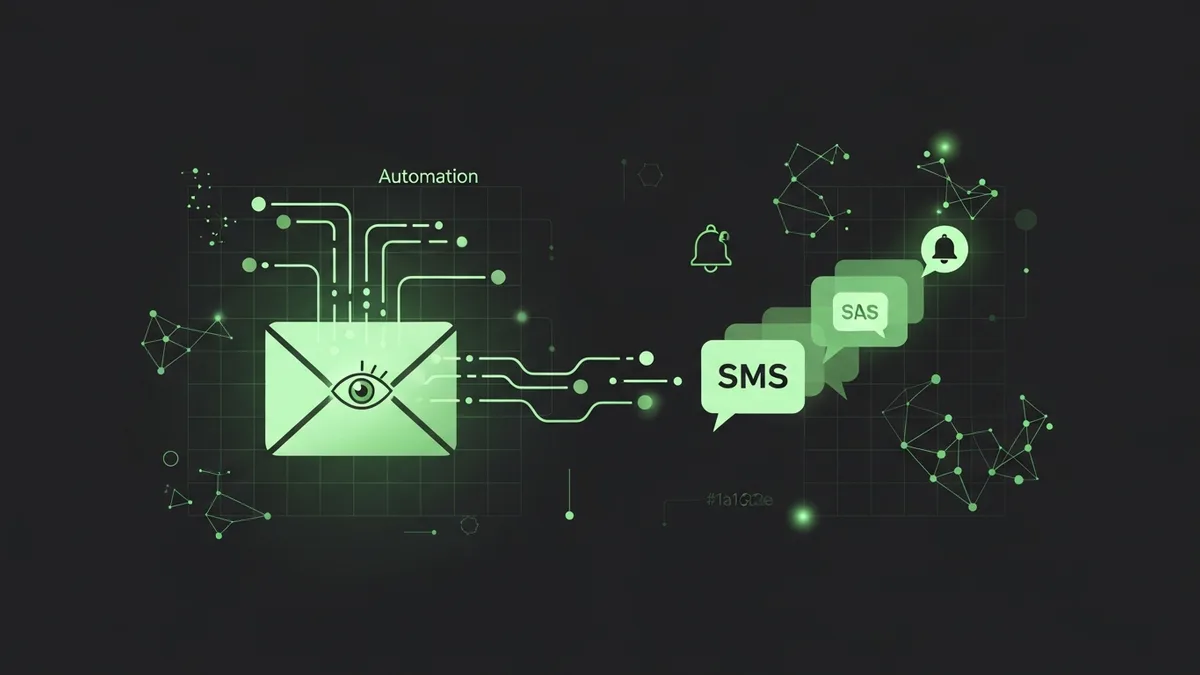
We discovered last month that a client's welcome email sequence hadn't fired for 12 days. Twelve days of new signups getting radio silence. The form worked. The CRM captured the leads. But the automation trigger in Klaviyo was paused because someone toggled it off while editing a template and forgot to turn it back on.
Twelve days. Around 340 leads that never got a welcome email.
Why Email Automation Trigger Monitoring Is Easy to Overlook
Email automations are set-and-forget by design. You build the flow, test it once, turn it on, and move on to the next project. That's the whole appeal. But "set and forget" also means "break and don't notice."
I've worked with marketing teams running 20+ automated email flows across HubSpot, Klaviyo, ActiveCampaign, and Mailchimp. Ask them how many of those flows fired successfully in the last 7 days and most of them can't tell you. They check open rates and click rates in monthly reports. But trigger failures? Nobody's watching.
The Three Ways Triggers Break
After years of debugging email automations, I've seen triggers fail in three predictable ways.
The first is accidental deactivation. Someone edits the flow, makes a change, saves it as a draft instead of republishing. The trigger goes inactive. No alert. No warning. Just silence.
The second is integration disconnection. Your CRM pushes a contact to your email platform via API or Zapier or a native integration. That connection drops. Maybe an API key expired. Maybe the Zapier task hit its monthly limit. Contacts stop flowing in, triggers have nothing to fire on.
The third is filter logic changes. Your trigger says "fire when a contact submits the pricing page form and has the tag 'qualified.'" Someone renames the tag from "qualified" to "sales-qualified" in the CRM. The trigger condition no longer matches. Zero emails sent. Zero errors logged.
How to Monitor Your Email Automation Triggers
Here's what we set up for our clients:
- Daily volume checks. If your welcome email normally sends to 30+ people per day and that drops to zero, something is broken. Set a threshold alert.
- Weekly trigger audits. Log into each email platform and verify that every active automation is actually... active. Not paused, not in draft, not errored out.
- Integration health checks. Verify that contacts are flowing from your form tool or CRM into your email platform. A quick count comparison catches sync failures fast.
For email automation trigger monitoring at scale, you need something that watches these signals automatically. FunnelLeaks can track the downstream effects, monitoring your thank-you pages and confirmation flows to verify the full chain is working.
Your Welcome Sequence Is Worth More Than You Think
According to data from Omnisend, welcome emails generate 3x more revenue per email than regular promotional sends. If your welcome sequence trigger is broken, you're not just missing engagement. You're leaving real money on the table with every signup.
Go check your triggers today. Open your email platform, look at each automation, and verify it's fired in the last 48 hours. If any automation shows zero sends when it should be active, you've found your problem.
And here's a quick heads-up: our Mother's Day code MOTHER26 goes live on May 8th, just two days from now. That's 20% off your first month at FunnelLeaks. A good time to get your email funnel monitoring in place before your next campaign launch.