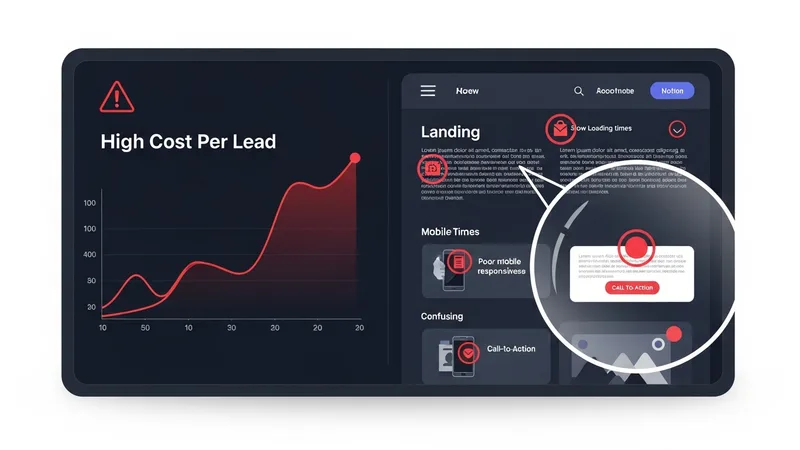
When Cost Per Lead Too High Becomes the Norm
When your cost per lead too high alarm goes off, the reflex is always the same: open the ad platform and start changing things. Swap the creative. Adjust the audience. Raise the budget. Lower the budget. Test a new headline. It feels productive because you are doing something.
But in about 70% of the cases I audit, the cost per lead too high problem has nothing to do with the ads. It is a page problem masquerading as an ad problem. And changing the ads when the page is broken just adds more waste.
Why a Cost Per Lead Too High Looks Like an Ad Problem
When your landing page slows down, breaks, or stops converting at its normal rate, the effect in your ad dashboard looks identical to an ad performance decline. Conversion rate drops. Cost per lead climbs. ROAS falls.
We saw the same pattern play out in your Cost Per Lead Keeps Climbing and It Is Not Your Ads.
Your instinct says "the ads stopped working." The truth is the ads delivered visitors. The page failed to convert them. But nothing in your ad dashboard distinguishes between "the ad attracted the wrong people" and "the page failed to convert the right people." Both show up as a cost per lead increase.
Three Times the Page Was the Problem
The slow page
An insurance broker's cost per lead went from $45 to $82 over two weeks. The agency blamed algorithm changes. The real problem: a new live chat widget added 3.8 seconds to the page load time. Removing it brought the cost per lead back to $48 the same week.
For more on this topic, read our breakdown of a Daily Ad Spend Audit Saved One Agency From Losing a Client.
The broken mobile form
A real estate team's cost per lead doubled in one month. They spent $6,000 testing new ad variations. The real problem: their form's date picker was broken on iOS Safari. Forty percent of their mobile traffic could not submit the form. Fixing it dropped CPL by 44%.
The dead tracking pixel
A B2B company's Google Ads cost per lead went from $120 to $280. They reduced budgets and paused campaigns. The real problem: their Google Tag had stopped firing after a website migration. Google could not see conversions, so it stopped optimizing for them. Fixing the tag and letting the campaigns run for two weeks brought CPL back to $135. We documented how tracking failures create this cascade in our tracking pixel guide.
The Page-First Diagnostic
Next time your cost per lead is too high, run this diagnostic before you touch the ads:
- Load your landing page on your phone. Time how long it takes. If it is over 3 seconds, that is your problem.
- Fill out and submit your form on mobile. If it does not work, that is your problem.
- Check your conversion tracking. If your pixel or tag is not firing, that is your problem.
- Compare desktop versus mobile conversion rates. If there is a huge gap, your mobile page has issues.
If all four pass, then yes. Look at the ads. But check the page first. It takes five minutes and it will save you from spending weeks optimizing the wrong thing.
Get a Baseline Right Now
Run a free scan on your landing page to check speed, forms, and tracking in 30 seconds. If your cost per lead is too high, the scan might show you why. Before you waste another dollar testing new ad variations that cannot fix a broken page.