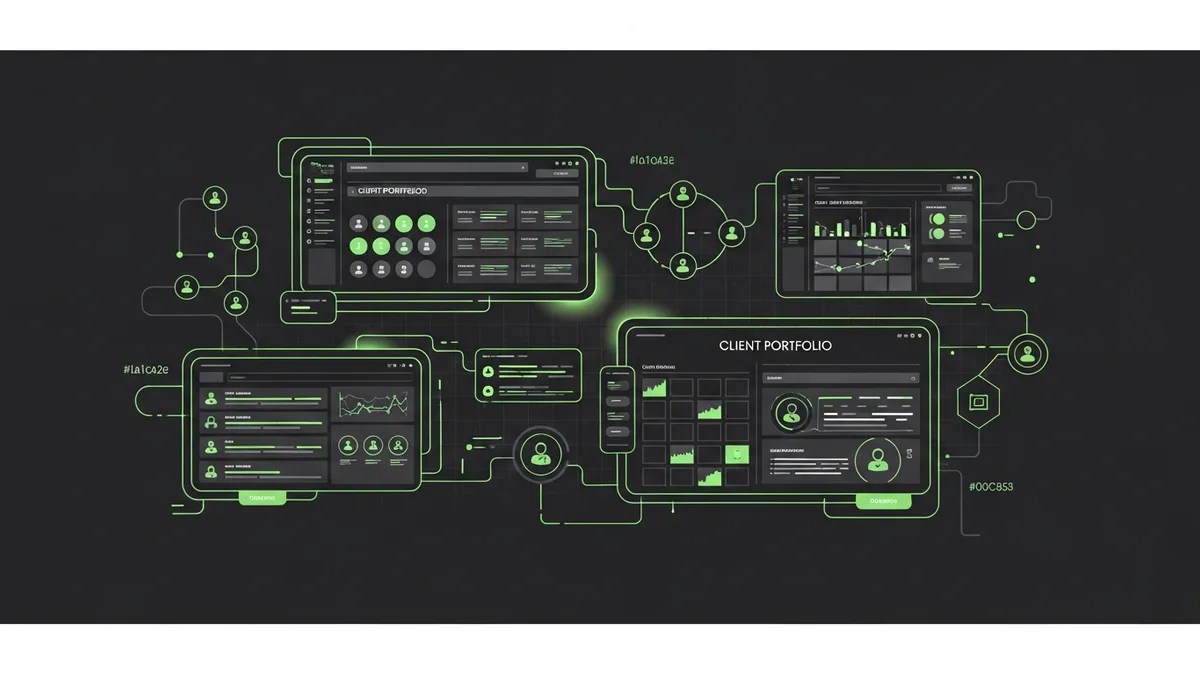
Twelve Tabs Open and Still No Clear Picture
When we managed our first five agency clients, we kept everything in spreadsheets and browser bookmarks. It worked. By client number eight, it was chaos. Somebody missed a broken checkout on a client's Shopify store because the alert was buried in a shared Gmail inbox between 47 other notifications. That mistake cost the client about $1,900 in lost weekend sales and nearly cost us the account.
Multi client dashboard design isn't a design problem. It's a survival problem.
What a Good Multi Client Dashboard Actually Needs
I've tried a lot of dashboard tools. HubSpot dashboards, Google Data Studio (now Looker Studio), custom-built Notion setups, Databox. They all share the same flaw for agency use: they're built for one brand at a time.
What agencies need is different. You need to see all clients at a glance and drill into any one of them in two clicks. Here's what I've found matters most:
- A top-level status view. Green, yellow, red for each client. Is everything running? Is something flagged? Is something down?
- Funnel health per client. Not just "site is up" but "checkout works, forms submit, tracking fires"
- Alert routing. Different team members own different clients. Alerts need to go to the right person, not everyone
- Historical context. When you see a dip, you need to know if something changed yesterday or last week
Most dashboard tools give you pretty charts. Pretty charts don't wake you up at 2 AM when a client's landing page throws a 500 error.
Multi Client Dashboard Design Mistakes I've Made
My first attempt was a single Google Sheet with one tab per client. Monitoring data piped in via Zapier. It worked for about a month. Then the Zaps started failing silently and I was staring at stale data without knowing it.
Second attempt: a Notion database with status fields we updated manually after each weekly check. Problem? Nobody updated it consistently. The dashboard told us everything was fine while a client's thank-you page had been 404ing for three days.
Third attempt: we built something that actually checks automatically. That's what became the foundation for how we think about FunnelLeaks. Real-time monitoring, one view per client, alerts that route to the right person on the team.
Building Your Own vs. Buying Something
If you manage fewer than five clients and you're disciplined, a manual dashboard can work. Use Looker Studio to pull in Search Console and GA4 data. Add a simple uptime check from Pingdom or UptimeRobot. Schedule a 15-minute daily review.
But once you cross 10 clients, manual breaks down. You'll miss things. Your team will miss things. And the cost of missing a broken funnel for even one day, per client, adds up fast. A $2,000 daily ad budget running against a broken page is $2,000 gone.
At that scale, you need multi client dashboard design that's automated and opinionated. Not another charting tool. A monitoring tool that tells you when something's wrong, not just what the numbers were yesterday.
Start With the Problem, Not the Layout
Don't start by picking colors and widgets. Start by asking: "What's the thing that, if it broke on any client right now, I'd want to know about in under five minutes?" That's your dashboard's north star. Everything else is decoration.
For most agencies, the answer is the same: checkout flow, lead form, main landing page, and tracking tags. Monitor those four things per client, pipe alerts to the right person, and you've got 80% of the value with 20% of the effort. If you want to see how we structured this for agencies, take a look at FunnelLeaks. We built it because we needed it ourselves.