Not Every Broken Page Is a Five-Alarm Fire
Last month, two alerts hit our Slack channel within ten minutes of each other. The first: a client's main checkout page was returning 500 errors. The second: a blog post's meta description was missing. Both were "problems." Only one was burning money.
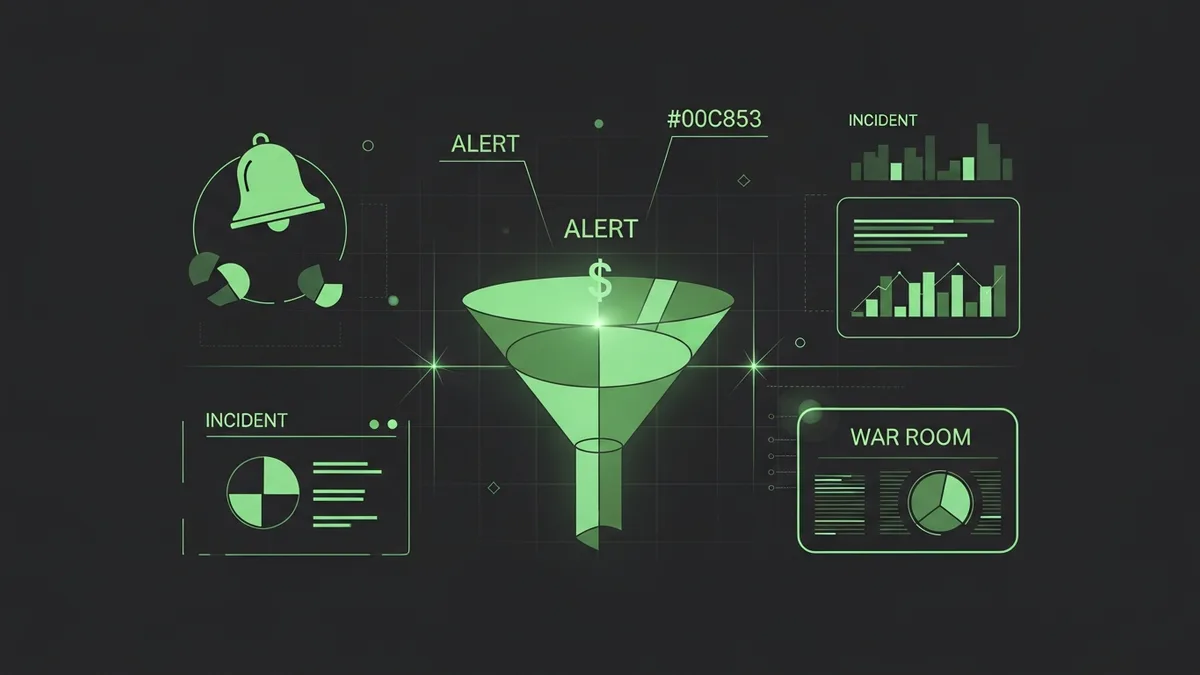
If your team treats every issue the same way, you'll either burn out from responding to everything at full intensity or start ignoring alerts altogether. Neither is good. That's why funnel incident severity levels matter.
A Simple Framework That Actually Works
We classify every funnel incident into four levels. This isn't fancy. It's practical.
Severity 1: Revenue is actively being lost. The checkout is down, the payment processor is failing, or the landing page is completely unreachable. Drop everything and fix it. For a store doing $5,000 a day, every hour of downtime costs roughly $208.
Severity 2: Conversions are degraded but not dead. The page loads but it's slow. A form works on desktop but not mobile. The tracking pixel is misfiring. These need attention within a few hours, not minutes.
Severity 3: Something's wrong but the funnel still converts. A broken image, a formatting glitch, a non-critical third-party widget failing. Fix it today or tomorrow. Don't lose sleep over it.
Severity 4: Cosmetic or optimization issues. A slightly slow image load, an outdated copyright year in the footer, a minor copy error. Add it to the backlog.
Why Most Teams Get Funnel Incident Severity Levels Wrong
The most common mistake I see is treating severity 2 issues like severity 4. A form that's broken on mobile? "We'll get to it next week." Meanwhile, 55% of your traffic is mobile and you're paying for every one of those clicks through Google Ads.
The second most common mistake is the opposite: treating everything like severity 1. I worked with a team that would scramble a war room for a slow-loading image. Their ops team was exhausted and started tuning out alerts entirely. When a real severity 1 hit (their Stripe integration broke during a flash sale), the team's response was delayed by 40 minutes because everyone assumed it was another false alarm.
Proper funnel incident severity levels prevent both of these failure modes.
How to Set Up Severity Levels for Your Team
Write down your severity definitions. Put them somewhere everyone can see. We keep ours pinned in our Slack ops channel.
Map your monitoring alerts to severity levels. If your checkout page goes down, that's an automatic severity 1 with immediate notification. If a blog page loads slowly, that's severity 3 with a daily digest notification.
FunnelLeaks lets you configure different alert urgencies for different monitors, which maps nicely to this framework. Critical conversion pages get instant alerts. Supporting pages get batched notifications. It keeps the noise level manageable while ensuring the important stuff gets through.
Also, document your response expectations for each level:
- Severity 1: Respond within 15 minutes, resolve within 2 hours
- Severity 2: Respond within 2 hours, resolve within 24 hours
- Severity 3: Acknowledge within 24 hours, resolve within the week
- Severity 4: Review in next planning session
Spring Is Coming. Get Your Severity Levels Set Before It Hits.
Q2 campaigns bring higher traffic and higher stakes. A severity framework means your team knows exactly what to do when something breaks at midnight on a launch day. No guesswork, no panic, no wasted energy on things that can wait.
Set up your funnel incident severity levels this week. Your team will thank you, your clients will notice the difference, and your ad budget will stop funding broken experiences. See how FunnelLeaks helps you prioritize alerts based on real business impact.