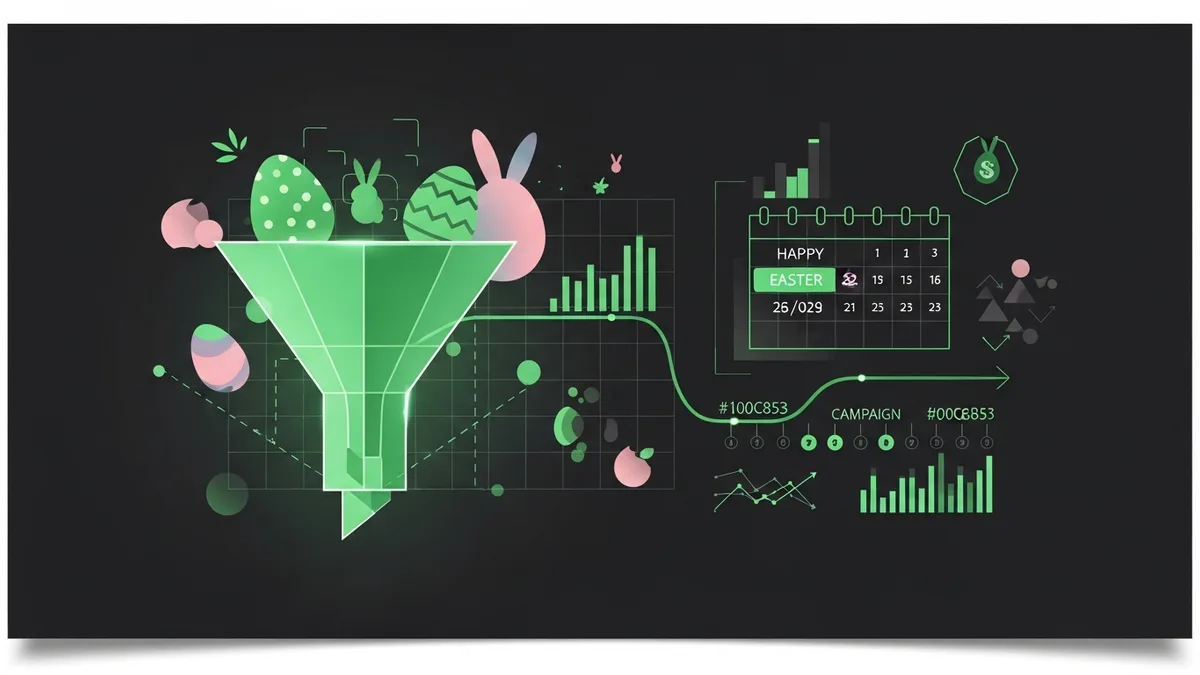
An e-commerce client had their best Easter promotion planned for 2025. Limited-edition bundles, a 30% off coupon, influencer partnerships lined up. They launched the campaign on a Thursday night. By Saturday morning, 40% of their mobile visitors were seeing a white screen on the promo landing page because a CSS file failed to load from their CDN.
Easter Promotion Funnel Monitoring Is a Seasonal Necessity
Seasonal promotions are high-stakes, short-window events. You've got maybe 72 hours of peak traffic for an Easter campaign, and every hour of downtime or broken functionality hurts disproportionately. I've managed Easter campaigns for retail clients where a single hour of checkout downtime cost more than $4,000 in lost revenue.
The problem with easter promotion funnel monitoring is that it's temporary. Teams build the campaign pages, set up the promo codes, schedule the emails, and then move on to the next project. Nobody assigns ongoing monitoring to pages that only exist for a week or two. And that's exactly when things go wrong.
The Most Common Easter Funnel Failures
We've tracked seasonal campaign failures across our client base, and the same issues come up over and over:
- Promo codes that don't apply correctly at checkout (especially when combined with other discounts)
- Landing pages that break under traffic spikes because nobody load-tested them
- Email links pointing to pages that aren't live yet (timezone mismatches between email send time and page publish time)
- Countdown timers showing wrong end dates after a last-minute extension
That last one is almost funny. You extend your Easter sale by 24 hours, update the promo code expiry, but forget to update the countdown timer on the landing page. So your timer hits zero, visitors think the sale is over, and your extended promotion gets no traffic. We saw this happen twice in the same week across different clients last April.
How to Set Up Easter Promotion Funnel Monitoring
Start 48 hours before your campaign goes live. Run through the entire funnel yourself, from ad click to purchase confirmation. Test the promo code. Check it on mobile. Try it on Safari, Chrome, and Firefox. Shopify handles most promo code logic well, but custom implementations on WooCommerce or headless setups can have edge cases that only show up under real conditions.
Set up page monitoring with checks every 5-10 minutes during the campaign window. Your normal 30-minute check interval isn't fast enough for a 48-hour promo. If your landing page goes down at the start of a flash sale, you need to know within minutes, not half an hour later.
Monitor the full path, not just the landing page. The promo landing page, the product page, the cart with the discount applied, the checkout, and the confirmation page. Any break in that chain kills conversions.
Post-Campaign Cleanup Monitoring
Here's something most teams forget. After your Easter promotion ends, you need to monitor what happens to visitors who still have the old promo link bookmarked or find it through search. Does the page redirect properly? Does it show an expired-sale message? Or does it throw a 404?
We always set up a redirect from the expired promo page to the main store page, and we keep monitoring that redirect for at least two weeks after the campaign ends. Leftover traffic from social shares and cached search results can keep coming for a while.
FunnelLeaks lets you set up temporary monitors for seasonal campaigns with automatic expiration dates, so you don't clutter your dashboard after the promotion ends. Check it out before your next seasonal push.