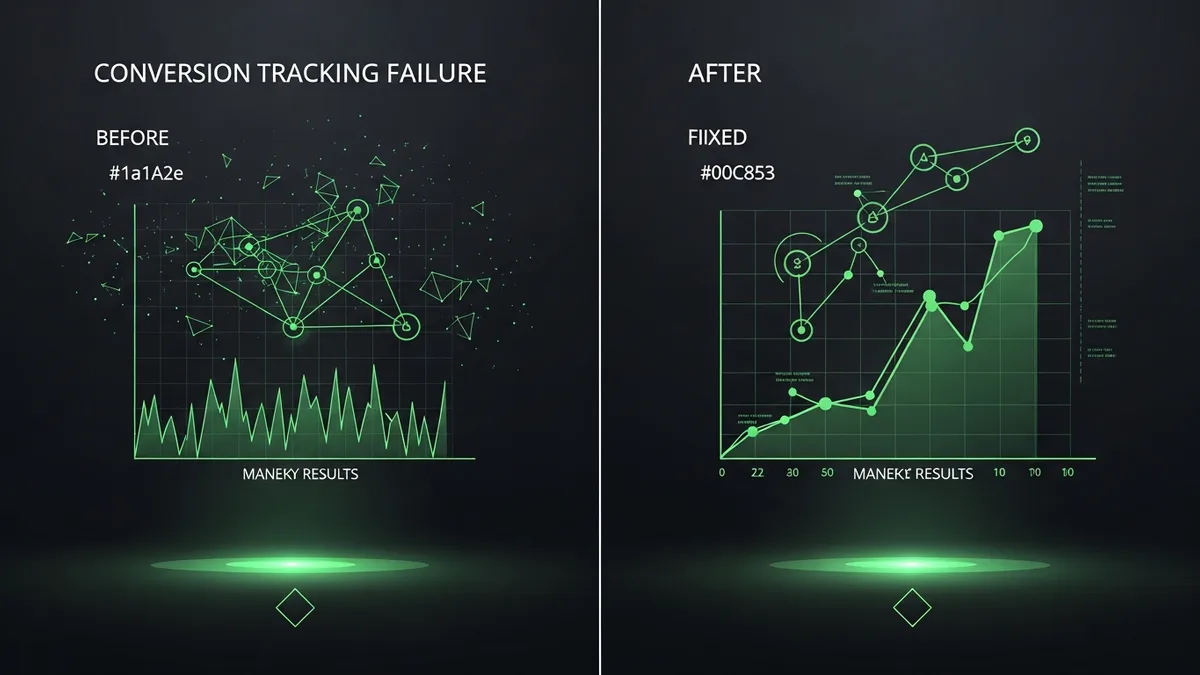
A home goods e-commerce brand came to us in late March after their Google Ads account had been "underperforming" for six weeks. Their CPA had tripled. ROAS was in the basement. They'd already fired one agency over it.
The agency wasn't the problem. The conversion tracking was.
The Conversion Tracking Failure Case Study That Cost $47,000
Here's what happened. In mid-February, the client's developer updated their Shopify theme to fix a mobile nav bug. Routine change. But the theme update overwrote the custom checkout.liquid template that contained the Google Ads conversion tracking snippet.
The site still worked. Products loaded. People could buy things. But the conversion pixel stopped firing on the order confirmation page. Google Ads had no idea anyone was converting.
So Google's algorithm did what it does when it thinks nothing is converting. It started bidding lower. Then it shifted budget to broader, cheaper placements. Click quality dropped. Actual conversions dropped too, because the good traffic dried up. Six weeks of compounding damage.
By the time we diagnosed it, they'd spent $47,000 on ads with broken tracking. The actual conversions were still happening, they just weren't being recorded. Smart Bidding was flying blind.
How We Found the Problem
The first thing I did was check the conversion tag in Google Tag Manager. It looked fine in the GTM container. The tag was configured correctly. The trigger was set to fire on the confirmation page.
Then I actually visited the confirmation page after placing a test order. Opened Chrome DevTools. The GTM container script wasn't even on the page. The Shopify theme update had removed the GTM snippet from the checkout template entirely.
This is a conversion tracking failure case study that plays out constantly across Shopify stores. Shopify's checkout is locked down on most plans, and theme updates can silently remove custom code. If you aren't checking your tracking after every theme update, you're at risk.
The Fix Took 20 Minutes
We re-added the GTM container code to the checkout template. Verified the conversion tag was firing. Placed three test orders to confirm data was reaching Google Ads. Then we waited for Smart Bidding to recalibrate, which took about two weeks.
The client recovered their previous CPA within three weeks. But those six weeks of wasted spend? Gone forever.
What You Should Check Right Now
If you're running Google Ads or Meta Ads to a Shopify store (or any site, really), go do this today:
- Place a real test order on your site
- Check that the conversion pixel fires on the confirmation page
- Verify the conversion appears in your ad platform within 24 hours
- Compare your ad platform's reported conversions against your actual order count from last week
If there's a gap, your tracking is broken. And you might be pouring money into an algorithm that can't see your results.
We catch these problems automatically at FunnelLeaks by monitoring conversion pixel firing on confirmation pages. No more waiting six weeks to discover the issue.
And speaking of things worth marking on your calendar: we're dropping a Mother's Day discount code next week. MOTHER26 gets you 20% off, going live on May 8th. Keep an eye on our pricing page if you want to get your tracking monitoring set up before your next campaign.