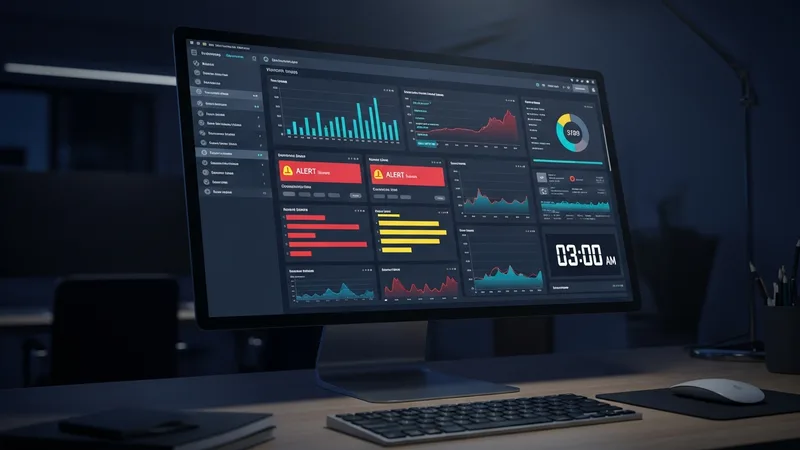
Ad Spend Monitoring Automation Solves the 3 AM Problem
Ad spend monitoring automation is the answer to a problem every marketing team faces. Your Google Ads campaigns run at 3 AM. Your Meta campaigns run at 3 AM. Your landing pages serve visitors at 3 AM. But your marketing team is asleep at 3 AM. So when your checkout page throws a JavaScript error at 2:47 AM on a Saturday, nobody is watching.
The ads keep running. The clicks keep costing money. The page keeps failing. By the time someone checks on Monday morning, you have burned through an entire weekend of ad budget on a page that could not convert anyone. Ad spend monitoring automation exists to solve this exact problem.
What Ad Spend Monitoring Automation Actually Does
At its core, ad spend monitoring automation is a system that checks your funnel pages on a regular schedule. Every 15 or 30 minutes. And takes action when something fails. It is the night shift your marketing team does not have.
We saw the same pattern play out in meta Ads Funnel Protection: How to Stop Losing Money on Facebook and Instagram.
The checks go beyond simple uptime monitoring. Uptime monitoring tells you if a server is responding. Ad spend monitoring automation tells you if your funnel is functioning. Is the form submitting? Is the checkout processing? Is the tracking pixel firing? Is the page loading fast enough?
Three Stories From the Overnight Shift
The midnight SSL expiry
A client's SSL certificate expired at 11:58 PM on a Thursday. By midnight, every visitor to their landing page saw a full-screen browser warning. The ad spend monitoring automation detected the failure at 12:15 AM and paused all campaigns. Total waste: $12. Without automation, the team would have found it at 9 AM. Eight hours and $600 of waste later. We detailed why SSL expirations are so dangerous in our SSL monitoring guide for marketers.
For more on this topic, read our breakdown of set Up Ad Campaign Auto-Pause Rules That Actually Work.
The 4 AM code deploy
A client's development team in a different time zone pushed a code update at 4 AM Eastern. The update broke the lead form. The monitoring system caught it at 4:15 AM and paused the Google Ads campaigns. The dev team was alerted and rolled back the change by 5 AM. Campaigns resumed at 5:15 AM. Total waste: $18.
The weekend traffic spike
A Flash sale campaign drove heavy traffic over a weekend. At 2 PM Saturday, the page speed degraded from 2.1 seconds to 7.3 seconds because the server could not handle the load. The monitoring system detected the speed threshold breach and alerted the team. They scaled the server within 30 minutes. Without ad spend monitoring automation, the slow page would have bled conversions for the entire weekend.
What to Automate First
If you are setting up ad spend monitoring automation for the first time, start with these five checks:
- HTTP status check (is the page returning 200?)
- Page speed check (is it loading in under 3 seconds?)
- Form submission check (does the form actually submit?)
- Tracking pixel check (is your conversion tracking firing?)
- SSL check (is the certificate valid and not expiring soon?)
Set each check to run every 15 minutes. Configure alerts to go to your phone. Not just email, because email notifications get lost overnight. And set up auto-pause rules so campaigns stop automatically when critical checks fail.
Stop Paying for the Hours Nobody Is Watching
Your ads do not sleep. Your monitoring should not either. Run a free scan on your landing pages right now to see what issues a monitoring system would catch. Then set up automation so the next 3 AM failure costs you $12 instead of $600.